How My Chef Works
From signup to getting paid in just 4 simple steps
Sign Up Free
Create your restaurant account in just 2 minutes. No credit card required, no commitments.
Enter Basic Info
Restaurant name, address, phone, and tax rate
Create Owner Account
Set up your login credentials
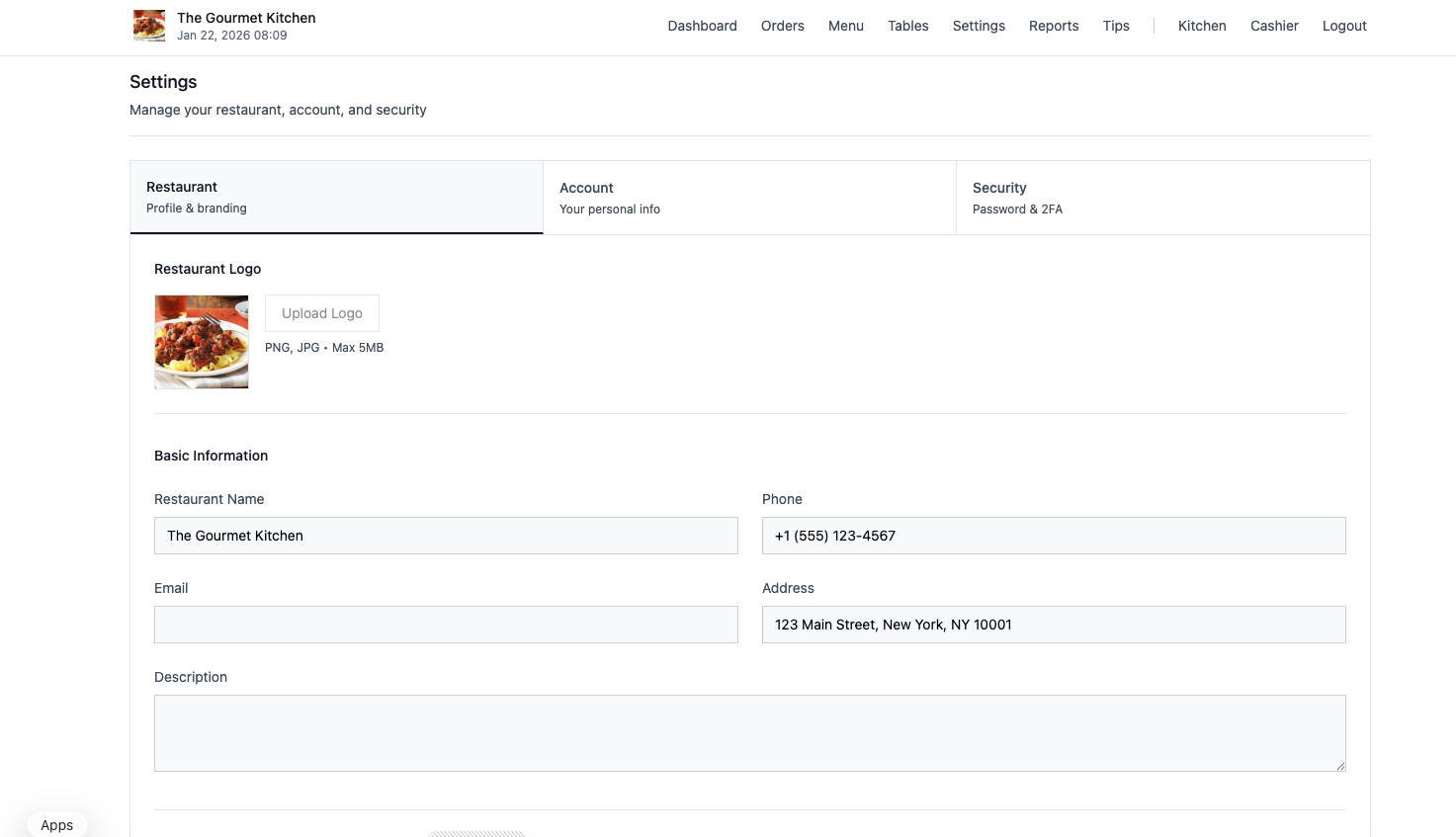
Upload Logo (Optional)
Brand your digital menu with your logo
Setup Your Menu
Build your digital menu and create table QR codes. This typically takes 5-10 minutes.
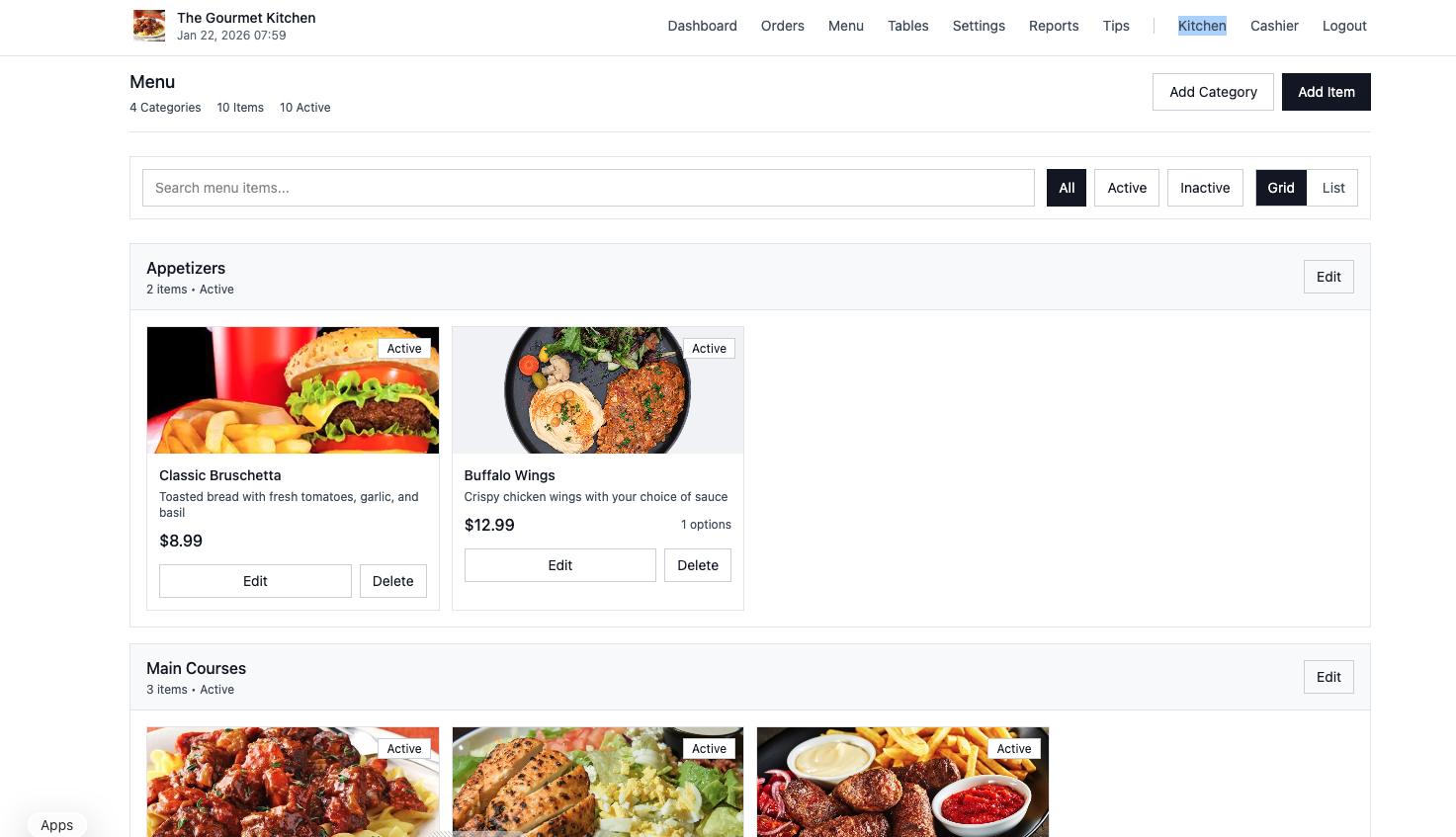
Add Menu Categories
Organize your menu (Appetizers, Mains, Desserts, etc.)
Add Menu Items
Names, descriptions, prices, images, and options
Create Tables
Add tables and generate unique QR codes
Customize Settings
Colors, hours, tips, and payment options
Start Accepting Orders
Print your QR codes and place them on tables. Customers scan, order, and pay - all from their phone!
Print QR Codes
Download and print QR codes for each table
Customer Scans & Orders
Customers use their phone to browse and order
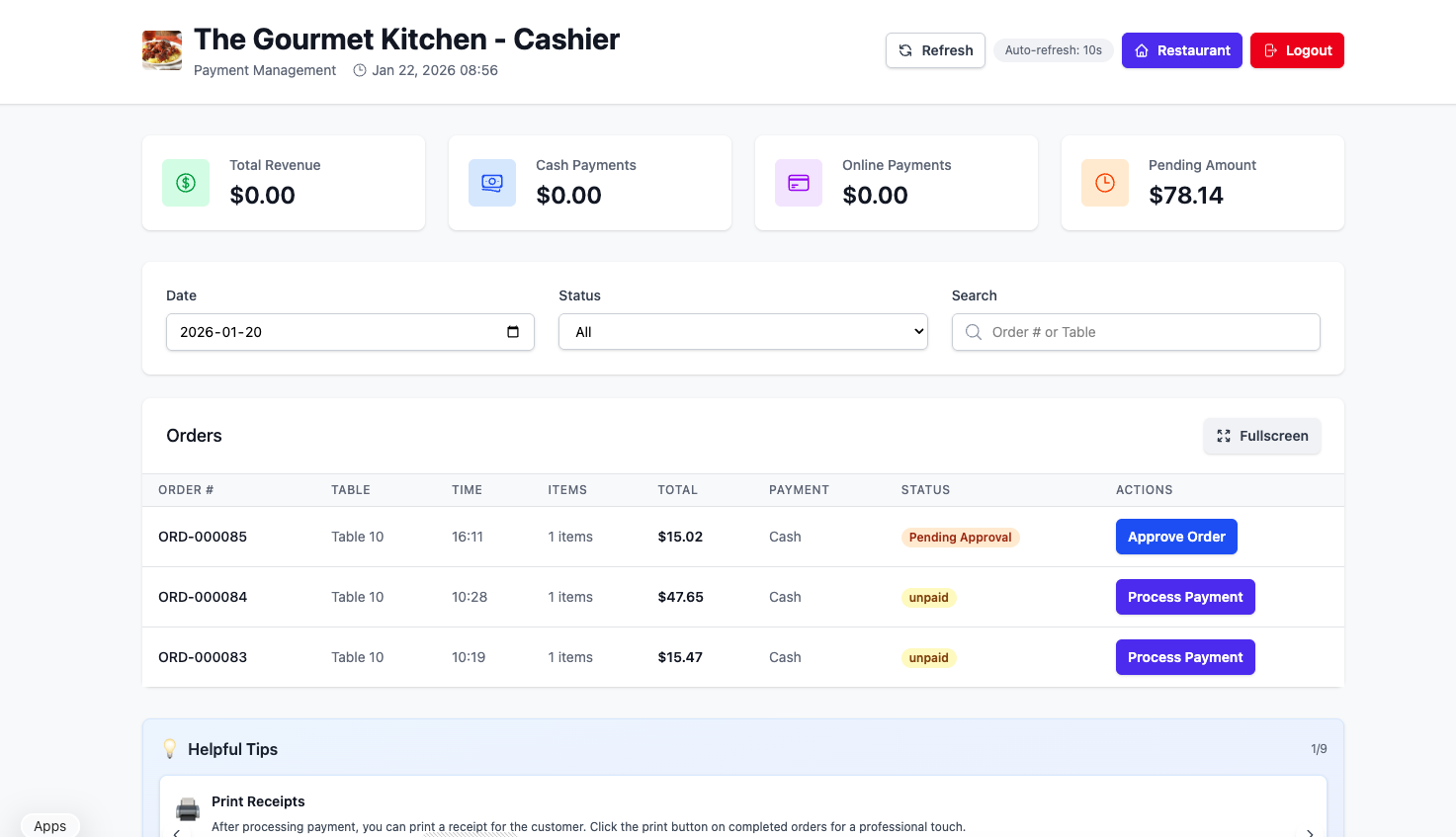
Kitchen Receives Order
Orders appear instantly on kitchen dashboard
Track & Serve
Update order status and serve happy customers
Get Paid Fast
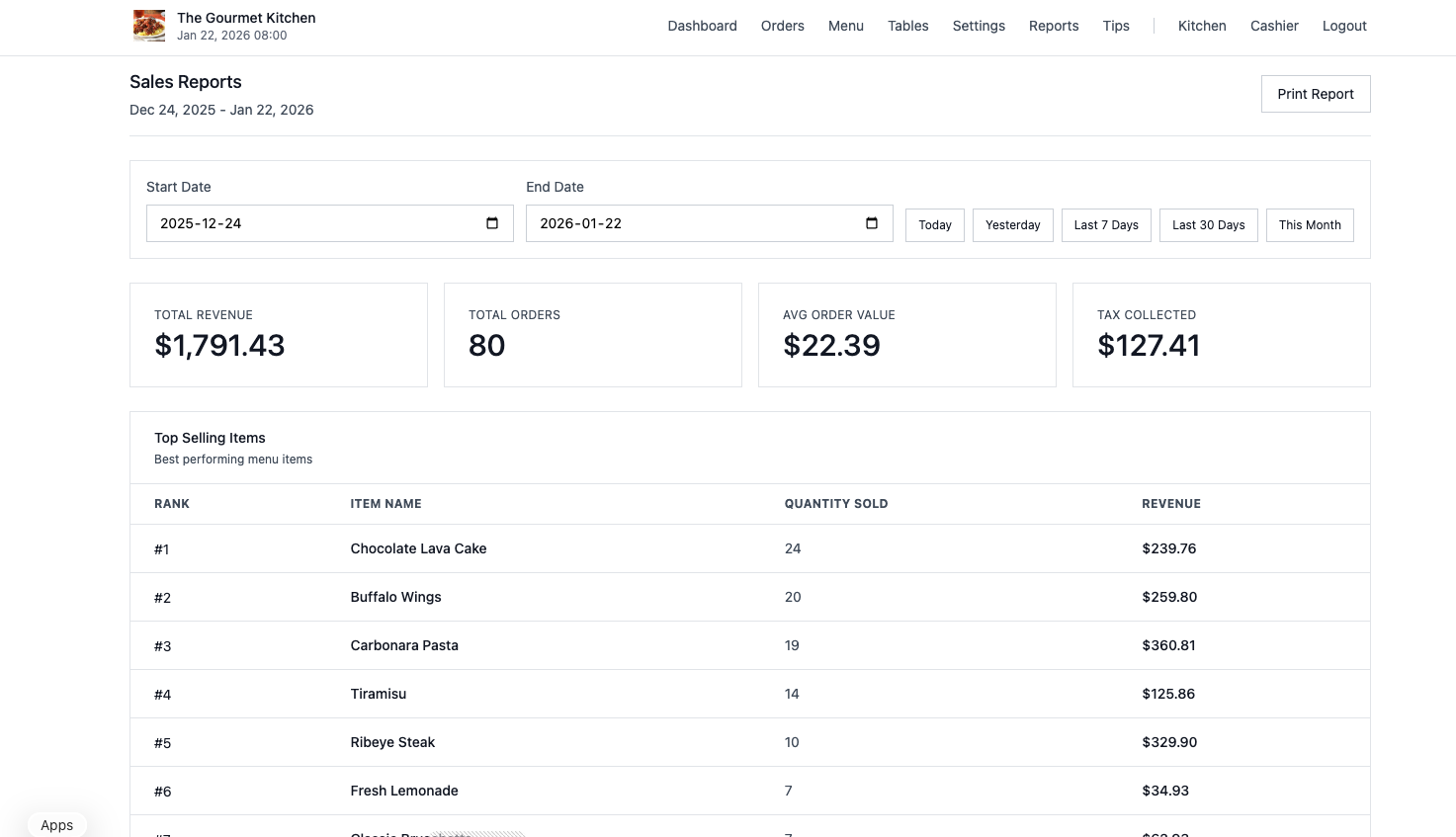
Receive your online payment amounts directly to your bank account within 3 business days.
Automatic Transfers
Online payments are automatically processed
3-Day Settlement
Funds arrive in your account within 3 business days
Real-Time Tracking
Monitor all transactions in your dashboard
Secure & Reliable
Safe payment processing with industry-standard security
Complete Order Flow
1. Scan QR
Customer scans table QR code
2. Browse Menu
View menu & add items to cart
3. Place Order
Pay online or at counter
4. Kitchen Prepares
Order appears on kitchen dashboard
5. Serve Food
Mark ready & serve to table
See It In Action
Watch how easy it is to use My Chef
Subscribe for setup guides, feature tutorials, and tips to get the most out of My Chef
Ready to Transform Your Restaurant?
Join hundreds of restaurants modernizing their operations with My Chef. 100% free for restaurants - customers pay the service fees.